
24Spent.
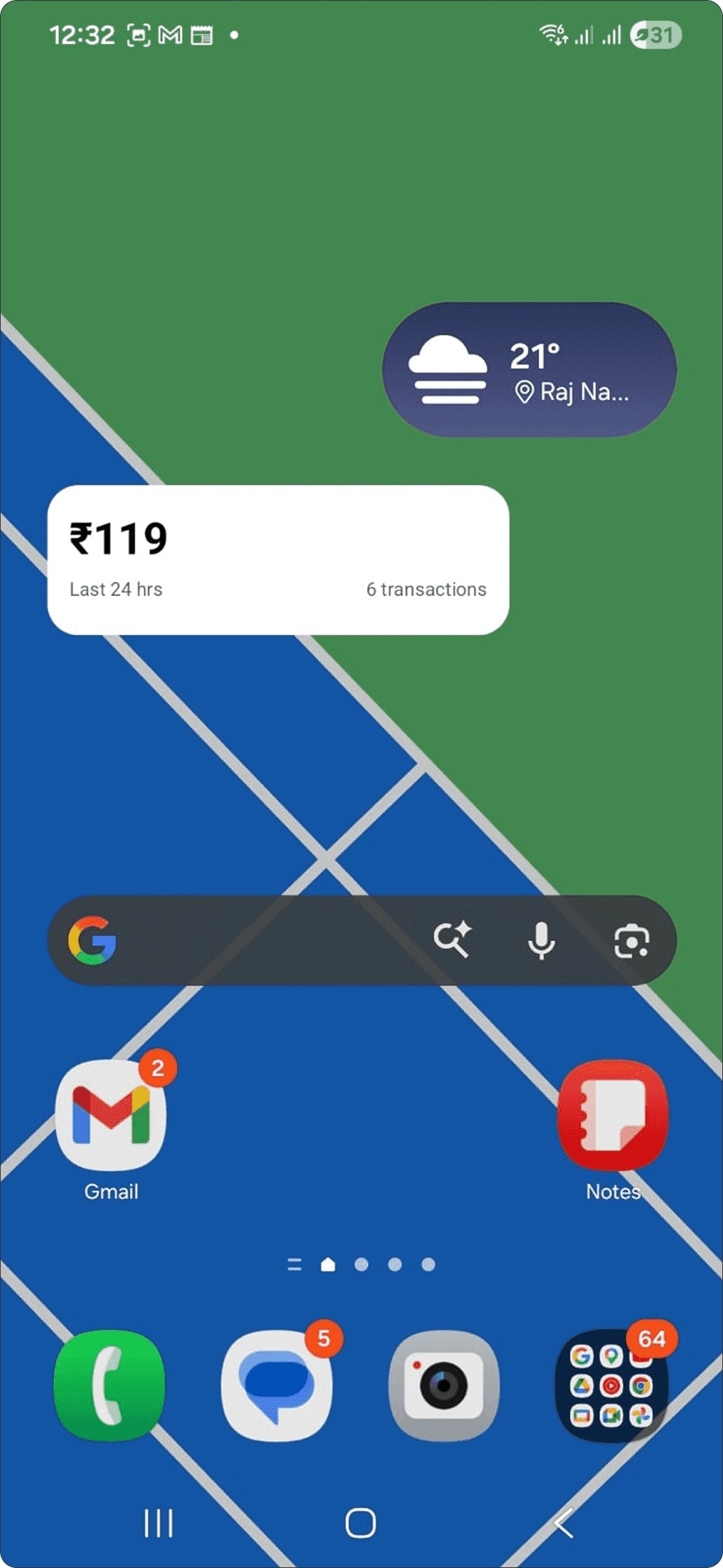
A homescreen widget that keeps my UPI spending in view — one number, always there, no app to open.
I never really knew what I’d spent.
I lose track of my spending — especially on weekends or while travelling. Opening a UPI app to check adds friction, and honestly, a little anxiety.
So I mostly didn’t check. The result: low visibility into my spending, and almost no awareness in the moment it actually mattered.
Put the number where I’d already look.
I designed and built a lightweight Android homescreen widget that passively tracks and shows spending across flexible timeframes — without opening a single app.
It lives on the homescreen next to the weather. One glance, and I know.
Five rules I held it to.
Zero friction
No app to open, nothing to log. It just sits there and stays current.
Ambient awareness
The number is always visible — never hidden behind an intent to check.
Emotional reduction
Checking becomes passive, so the anxiety of “how much did I spend?” quietly goes away.
User control
Flexible timeframes, so the number always matches the context I’m in.
Radical simplicity
One number with just enough context. No charts, no dashboards, no clutter.
SMS in, a live number out.
No bank integrations, no permissions theatre — just the transaction texts your phone already receives.
Reads UPI SMS in real time
Listens to incoming transaction messages as they arrive on the device.
Keeps only the debits that matter
Parses each message and filters down to the relevant debit transactions.
Totals spend for the timeframe
Sums the filtered transactions for whichever window you’ve selected.
Updates live on the homescreen
The total is continuously refreshed and shown directly on the widget — no app in the loop.
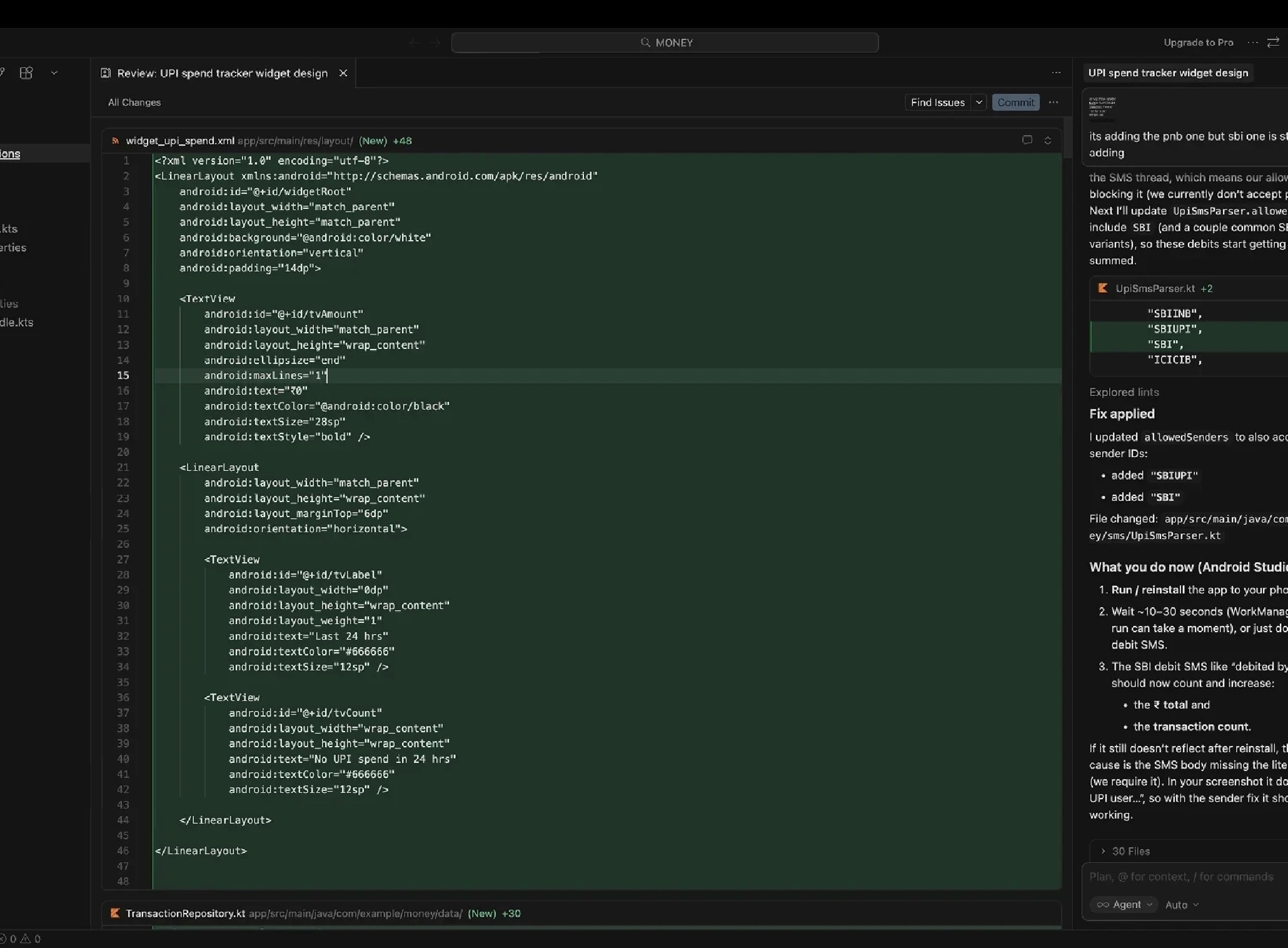
img/24spent-cursor.jpg
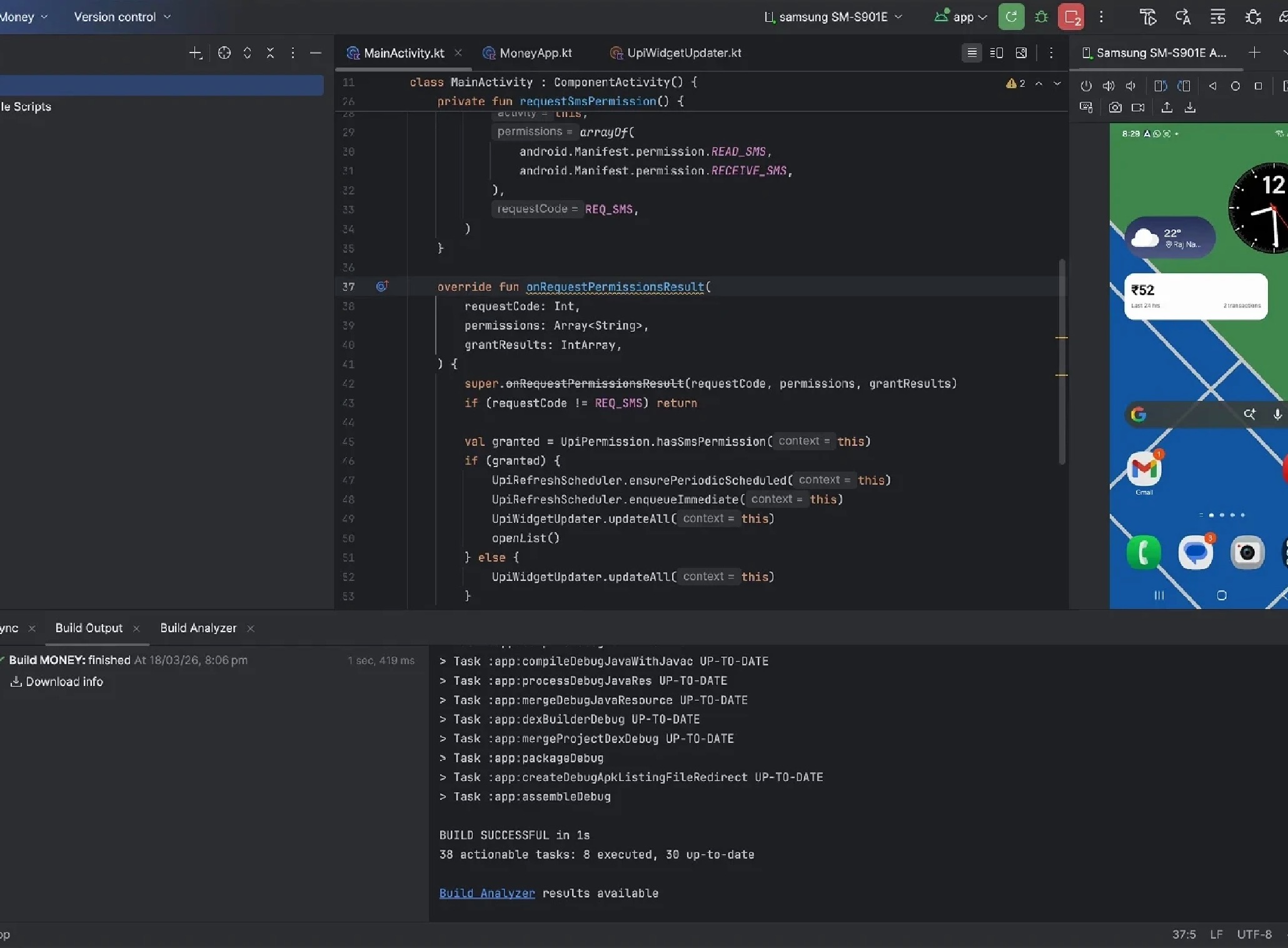
img/24spent-android.jpg
Mindful spending, with zero effort.
The widget creates a continuous, low-key awareness that naturally shifts how I spend — mindful, without effort or stress.
After I shared it, a few friends started using it day-to-day. That told me the problem — and the fix — resonate well beyond just me.
Try it on your own homescreen.
When installing the APK, enable installation from unknown sources and temporarily turn off Play Protect. You can revert both settings once the install is complete.